VESA certified DisplayPort cables: what DP80, DP54 & DP8K guarantee
Quick answer
A VESA Certified DisplayPort cable has passed VESA's compliance testing for a specific link rate and may carry the matching logo: DP8K (32.4 Gbps, the DisplayPort 1.4/HBR3 era), DP54 (54 Gbps, replaced DP40 in 2024) and DP80 (80 Gbps, UHBR20). An uncertified cable marked "DP 2.1" promises nothing — VESA's own compliance manager warns that the cable can be the limit even when GPU and monitor are capable. Verify any cable in VESA's certified-product database, linked under sources. This is a different VESA program from the mounting standard the rest of this site covers.
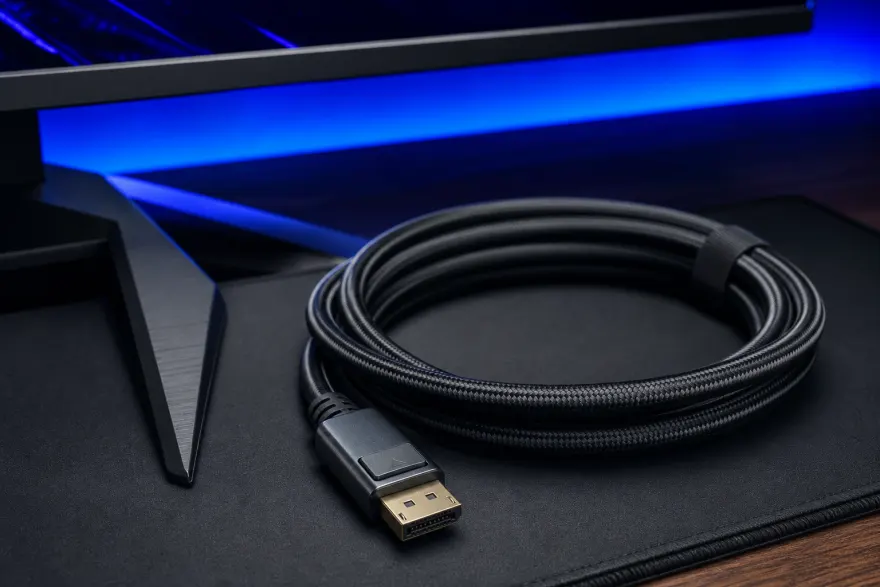
Certification tiers at a glance
| Logo | Link rate | Bandwidth | Passive length | Status |
|---|---|---|---|---|
| DP8K | HBR3 (8.1 Gbps ×4) | 32.4 Gbps | market-standard lengths | Current since 2018 (DP 1.4) |
| DP40 | UHBR10 (10 Gbps ×4) | 40 Gbps | >2 m | Retired Jan 2024 — replaced by DP54 |
| DP54 | UHBR13.5 (13.5 Gbps ×4) | 54 Gbps | 2 m | Current (DP 2.1a) |
| DP80 | UHBR20 (20 Gbps ×4) | 80 Gbps | ~1 m | Current (DP 2.1) |
| DP80LL | UHBR20, active | 80 Gbps | up to 3 m (active) | Rolling out since DP 2.1b (2025) |
All UHBR tiers are certified for full-size DisplayPort, Mini DisplayPort and USB-C connector configurations, in passive and active designs.
What the bandwidth actually buys
- DP80 (80 Gbps): VESA cites uncompressed 8K 60Hz HDR, 4K 240Hz HDR, two 4K 120Hz HDR displays, or four 4K 60Hz HDR displays over a single cable.
- DP54 (54 Gbps): up to 8K2K at 240Hz or 8K4K at 120Hz — the sweet spot for current high-refresh QHD/4K gaming monitors.
- DP8K (32.4 Gbps): 8K 60Hz with DSC, and comfortably 4K 120Hz — still enough for most single-monitor desks.
Match the tier to the highest resolution-and-refresh combination your GPU and monitor can negotiate. Buying higher than needed costs little and is fully backward compatible; buying an uncertified cable at UHBR speeds is where blank screens and dropouts come from.
Why "supports DP 2.1" on the listing is not enough
Certification is per-product testing plus a trademark license — only cables that pass VESA's compliance tests and whose vendor signed the DisplayPort trademark agreement may print the logo. VESA's compliance program manager put the reason plainly: however capable the graphics card and monitor, image quality "can still be limited by the cable used to connect those devices." At UHBR signal rates the margin for a marginal cable is gone, so the logo (and the public product database) is the only buyer-side proof that a cable was tested at the speed on the label.
Double-check before buying
- Look for the printed VESA Certified logo with an explicit tier (DP8K / DP54 / DP80) — not just "2.1" or "8K".
- Cross-check the exact cable in VESA's certified-product database (linked below).
- Length: passive DP80 runs cluster around 1 m — for a floor-standing tower and a desk-arm monitor, measure the actual path before assuming a 1 m cable reaches.
- USB-C users: DisplayPort 2.1 tightened alignment with the USB4/USB-C PHY spec, and certification covers USB-C configurations — the same logo-and-database check applies.
Frequently asked questions
How do I check that a DisplayPort cable is really VESA certified?
Two ways: the VESA Certified logo (DP8K, DP54 or DP80) printed on the packaging — only vendors that passed compliance testing and signed VESA's trademark license may use it — and VESA's searchable certified-product database at displayport.org, which lists certified cables by tier. A bare "supports DP 2.1" claim without the logo is marketing, not certification.
What replaced DP40 certification?
DP54. With DisplayPort 2.1a in January 2024, VESA retired the DP40 tier (four-lane UHBR10, 40 Gbps) in favor of DP54, which guarantees four-lane UHBR13.5 — 54 Gbps — over a two-meter passive cable. Existing DP40 cables lost nothing: VESA confirmed through testing that previously shipped DP40 cables meet the DP54 spec.
Will a DP80 cable work with my older GPU and monitor?
Yes. Certified UHBR cables are fully backward compatible with every earlier DisplayPort link rate — RBR, HBR, HBR2 and HBR3 — so a DP80 cable on a DisplayPort 1.2 or 1.4 system simply runs at the system's own maximum. Buying the higher tier is future-proofing, never a compatibility risk.
How long can a DisplayPort 2.1 cable be?
Passive certified cables: over two meters at DP54 rates and around one meter at DP80 (UHBR20) rates. For longer full-speed runs, DisplayPort 2.1b introduced DP80LL ("low loss") active cables, which carry the full 80 Gbps at up to three meters — roughly triple the passive DP80 length.
Is VESA cable certification related to VESA mounts?
Same standards body, completely different program. VESA the association maintains both the FDMI mounting-hole standard this site documents and the DisplayPort interface with its cable certification. A "VESA certified" cable says nothing about mounting, and "VESA compatible" on a monitor says nothing about its cable — the overlap is only the name.
Sources
- VESA certified DisplayPort product database (searchable, incl. certified cables) displayport.org
- VESA — UHBR device certification and DP40/DP80 cable certification vesa.org
- VESA — DisplayPort 2.1a: DP54 tier replaces DP40, performance figures vesa.org
- VESA — DisplayPort 2.1b and DP80LL active cables vesa.org
- VESA — DisplayPort 2.1 specification release (cable lengths, USB-C alignment) vesa.org
- VESA — DP8K certified cables (DisplayPort 1.4 era) vesa.org
Back to the mounting side: what VESA means on a TV or monitor, the verified monitor database, and the monitor arm & stand guide.