TV mounting guides
Quick answer
Six decisions cover the whole install: measuring your TV's VESA pattern with a tape measure, choosing M4/M6/M8 screws of a safe length, picking a mount type, setting the mounting height, using an adapter plate when patterns don't match, and sizing the mount rating to the TV's weight with a 20% margin. Each guide cites where its numbers come from.
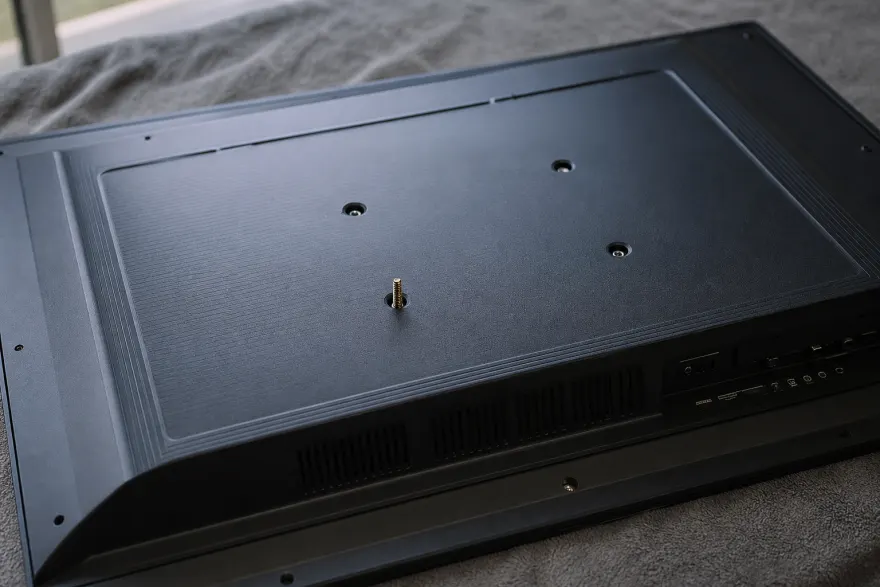
What Is VESA? Mount Standard, Sizes & Compatibility Explained
VESA is the standards body behind the 4-hole mounting pattern on TVs and monitors. What "VESA compatible" means, the full VESA size chart from 75×75 to 800×400 mm, and how to find your TV's pattern.
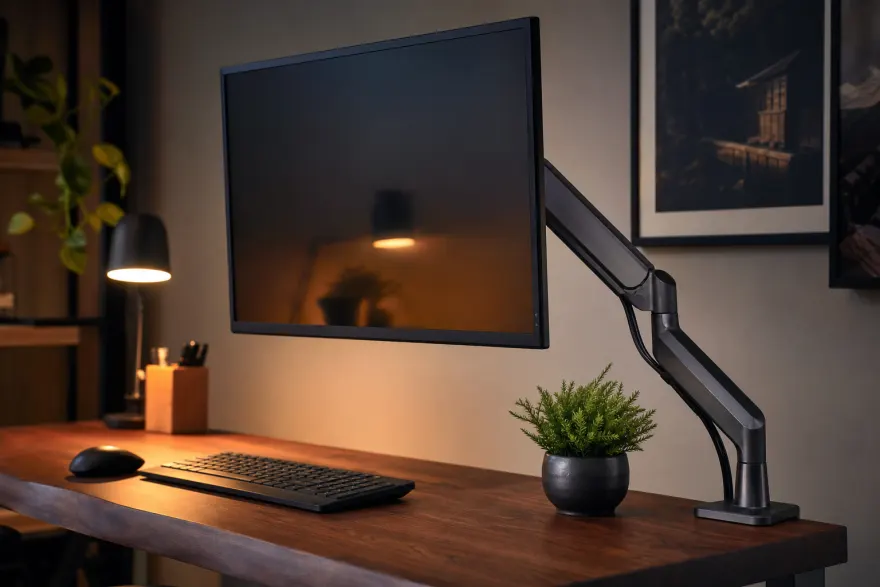
VESA Monitor Mounts: 75×75 & 100×100 Sizes, Arms, Stands & Adapters
Most monitors use a 75×75 or 100×100 mm VESA pattern with M4 screws. How to check if a monitor is VESA compatible, pick an arm, stand or wall mount, and what to do with non-VESA screens and iMacs.
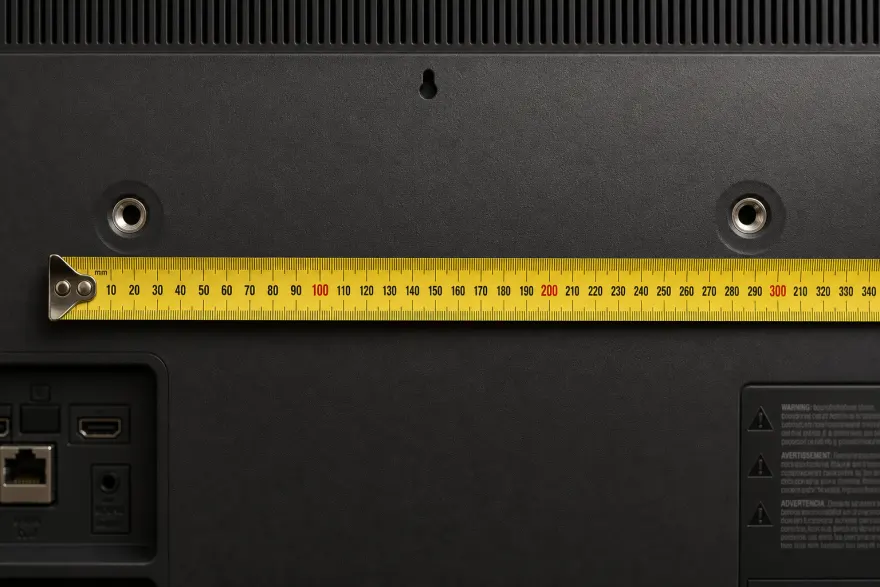
How to Measure a TV VESA Pattern Yourself
Measure your TV's VESA mounting pattern in millimeters with a tape measure: find the 4 threaded holes, measure center-to-center horizontally and vertically, and match the result to a standard size.
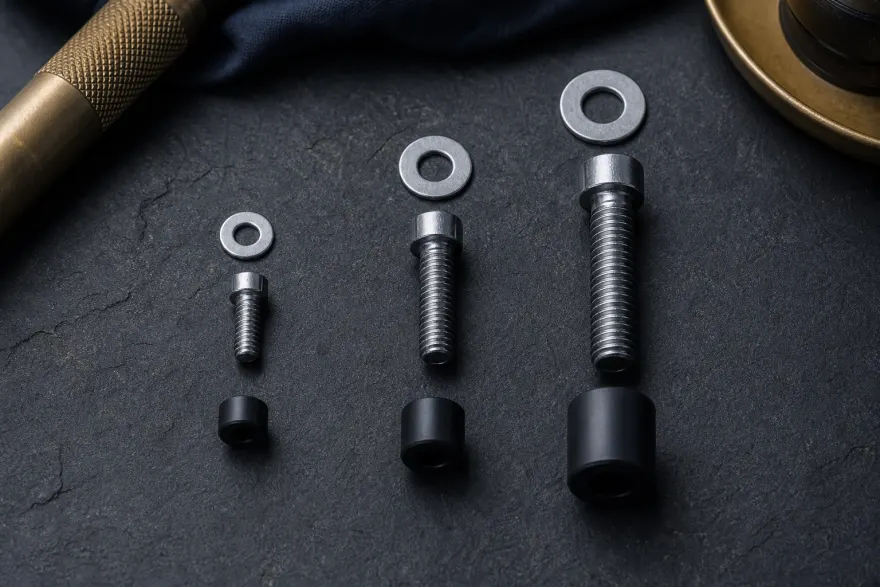
VESA Screw Sizes: M4 vs M6 vs M8 TV Mount Screws & Lengths
VESA mount screws come in M4, M6 and M8 threads. How to identify your TV's screw size, pick a safe length, why an over-long bolt can damage the panel, and when spacers are required.
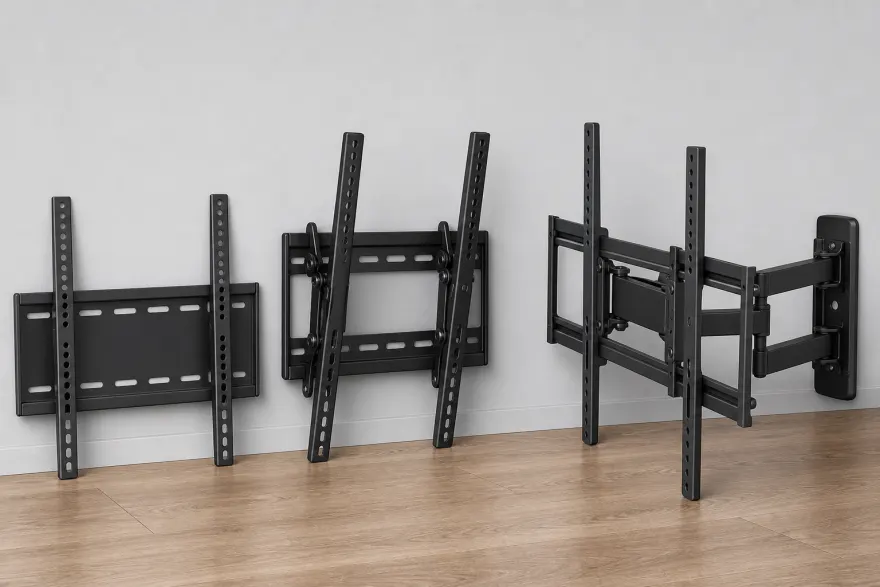
Types of TV Wall Mounts: Fixed vs Tilting vs Full-Motion vs Ceiling
The four TV wall-mount types compared: fixed (low-profile), tilting, full-motion (articulating) and ceiling. Profile depth, tilt and extension ranges, price class, stud requirements, and which type fits each room.
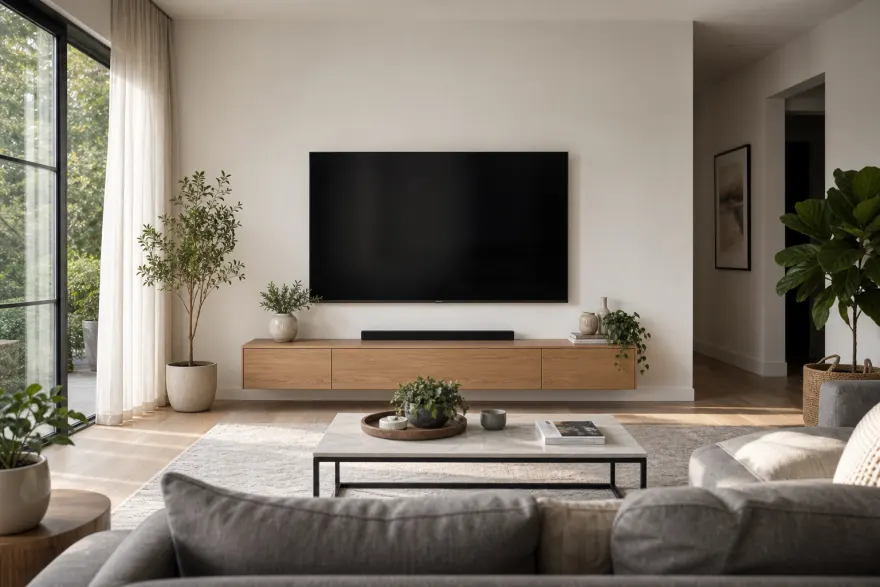
How High to Mount a TV: Height by Screen Size (Chart & Formula)
Mount the TV so its center sits at seated eye level — about 42 inches from the floor for sofa viewing. Height chart for 43 to 85-inch screens, the center-height formula, viewing distance, and above-fireplace trade-offs.
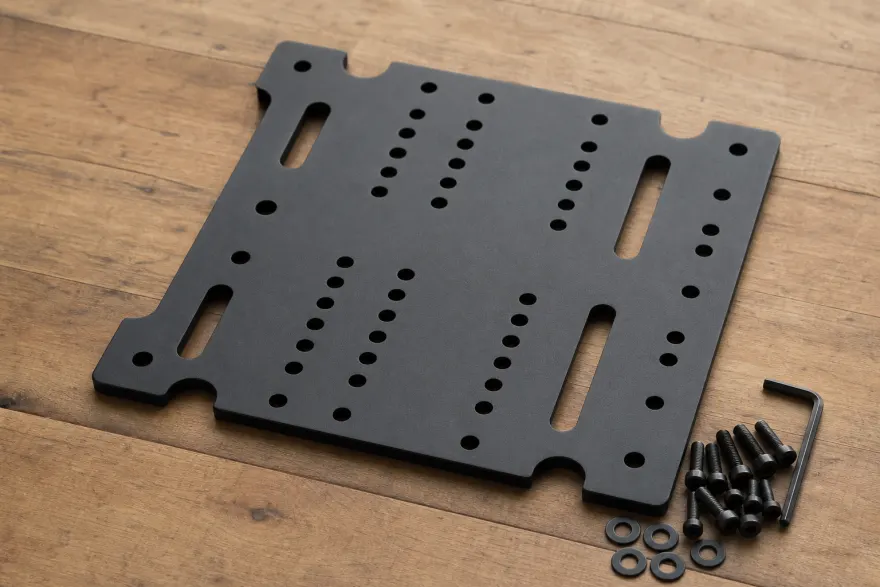
VESA Mount Adapter Plates: When Your TV and Mount Don't Match
A VESA mount adapter (converter plate) changes one hole pattern into another, e.g. 200×200 to 400×400. When a plate is safe to use, how to size one, and what to check before buying.
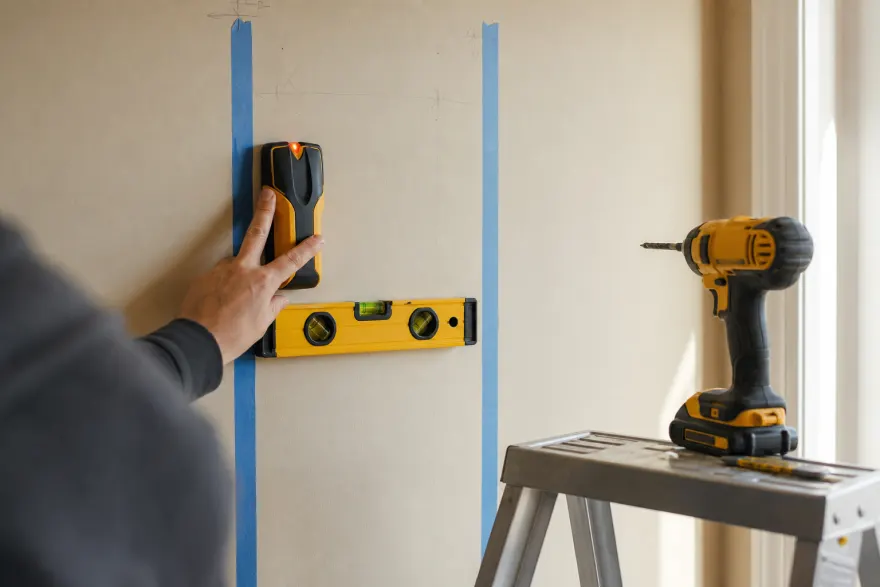
TV Weight, Wall Studs & Safe Mounting Basics
How much TVs weigh without the stand, why mounts should be rated with at least a 20% margin, how to find studs, and when drywall-only installs are a bad idea.
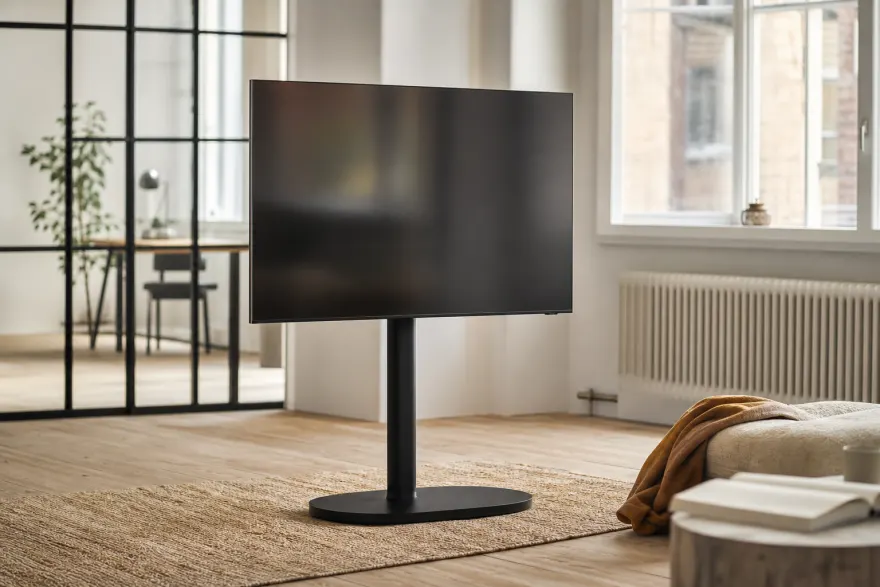
VESA Floor Stands, Pole & Tripod Mounts (No-Wall Options)
Floor stands, rolling carts, pole clamps and tripod adapters bolt to the same VESA holes as a wall bracket. Typical pattern ranges per form factor and what to check — base footprint, pole diameter, load rating.
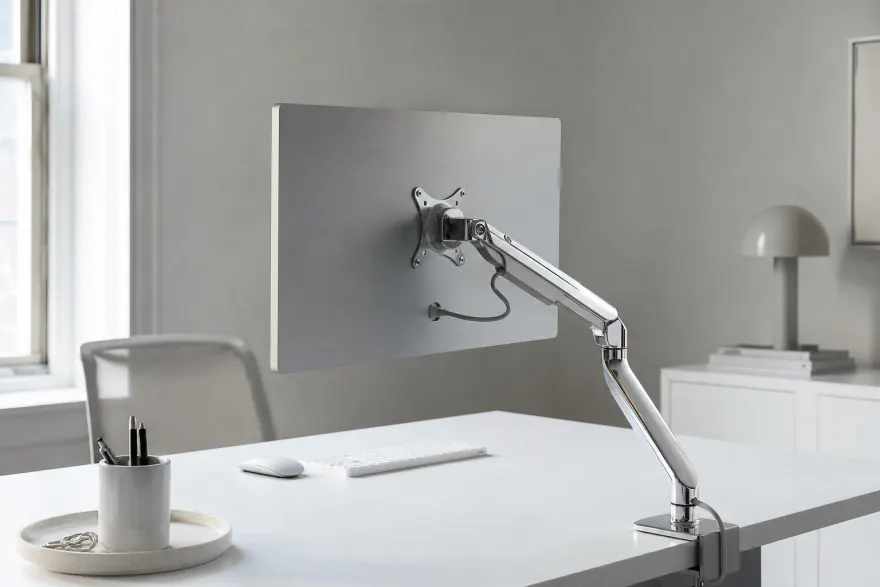
iMac & Apple Studio Display VESA Mounts: Adapters for Every Mac
Which Apple screens go on a VESA arm and how: the iMac build-to-order VESA option (100×100 mm, M4 x 0.7), Studio Display configurations and weights, the Pro Display XDR adapter, and bracket categories for Mac mini and MacBook.
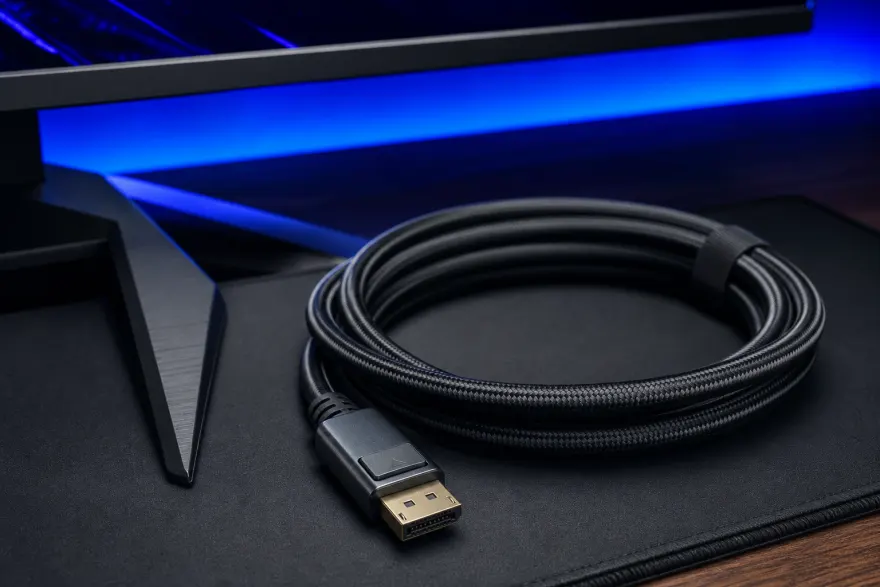
VESA Certified DisplayPort Cables: DP80, DP54, DP40 & DP8K
A VESA Certified DisplayPort cable is tested to carry its labeled link rate: DP8K (32.4 Gbps), DP54 (54 Gbps) and DP80 (80 Gbps). What each tier drives, passive length limits, DP80LL active cables, and how to check the certified list.
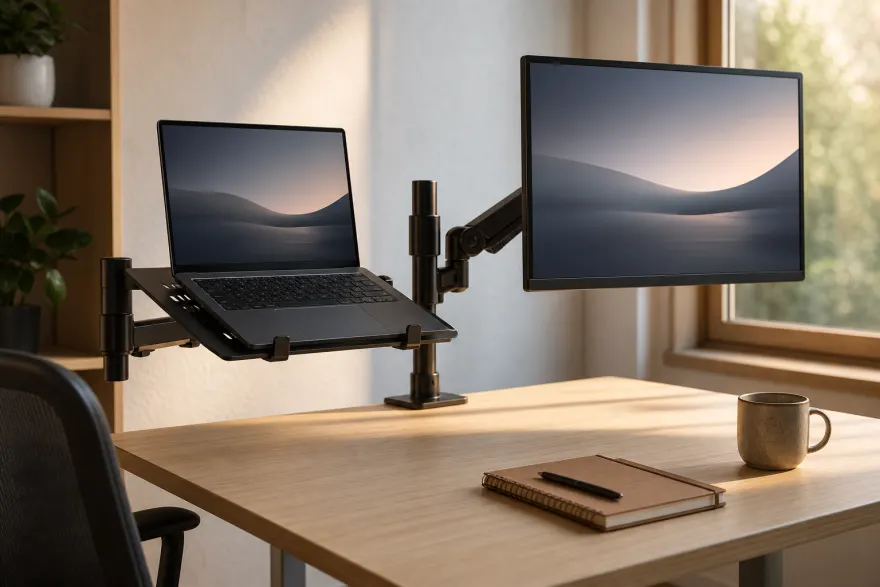
VESA Laptop Trays, Tablet Mounts, Shelves & Quick-Release Plates
The 75×75/100×100 mm VESA holes also carry laptop trays, iPad and tablet enclosures, shelves, keyboard trays, speaker adapters, mini-PC brackets and quick-release plates. How each works and what to check.
Sources
Guides reference the VESA FDMI standard and manufacturer installation manuals; model-specific numbers always live on the model pages with their own citations.